Getting started with Rust on ESP (2026)
Introduction
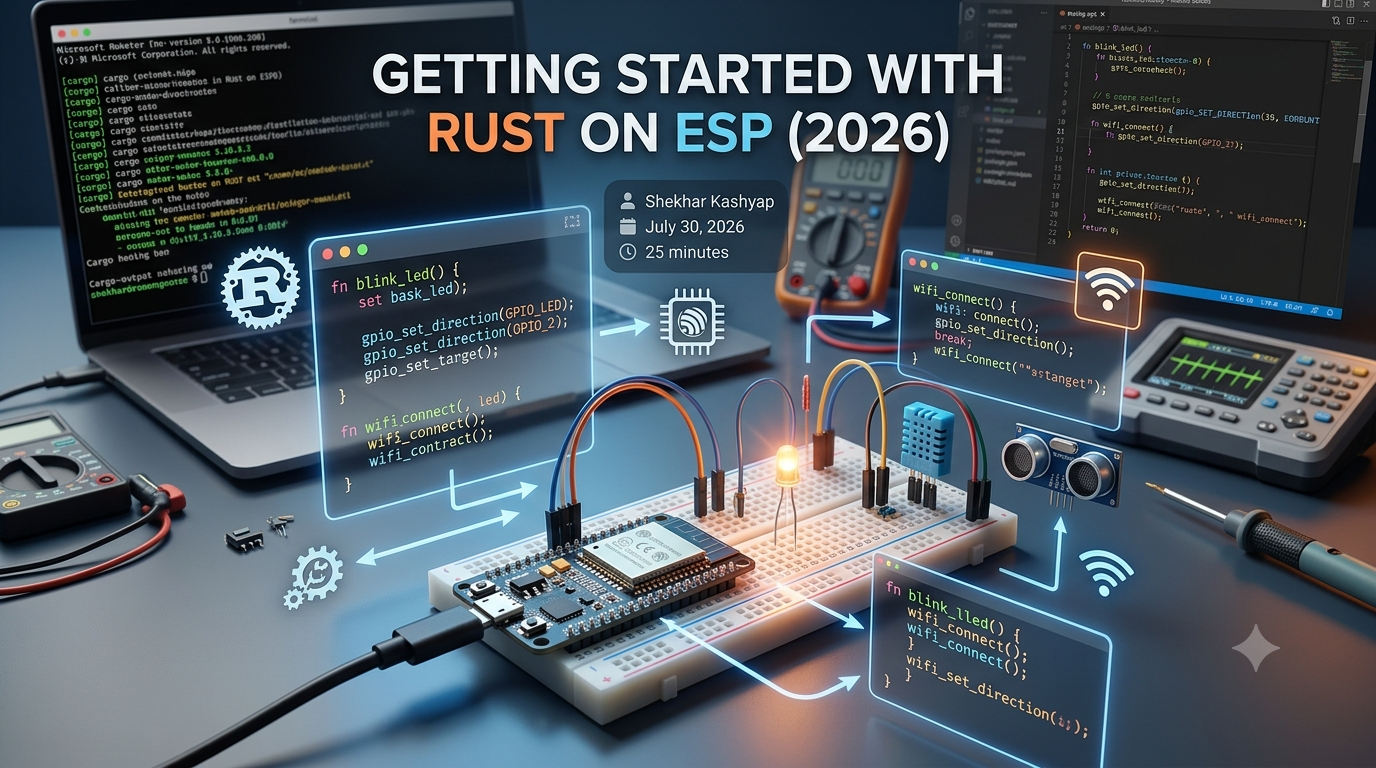
Welcome to our comprehensive guide to embedded Rust development on Espressif products, such as ESP32 and ESP8266. This guide is designed to help you get started with the tools and ecosystem of Getting started with Rust on ESP. As stated in the Rust on ESP Book, the goal is to introduce the structure of the software stack and walk through basic workflows using project generation and tooling.
Rust on ESP is a powerful combination for embedded systems development, allowing for the creation of efficient and reliable applications. With this guide, you will learn how to set up your development environment, get started with Rust for embedded systems, and build and deploy a simple Rust project on ESP32.
Core Concepts / How It Works
To get started with Rust on ESP, it's essential to understand the core concepts and how it works. As outlined in the 5-Step Guide For Learning Embedded Rust, the first step is to learn embedded systems fundamentals. This includes understanding the basics of microcontrollers, such as the ESP32 and ESP8266, and how to program them using Rust.
// Import the necessary libraries
use esp_idf_sys::*;
use std::ffi::CString;

// Define a function to blink an LED
fn blink_led() {
    // Initialize the LED pin
    let led_pin = 2;
    let led_state = 0;

    // Set the LED pin as an output
    gpio_pad_select_gpio(led_pin);
    gpio_set_direction(led_pin, GPIO_MODE_OUTPUT);

    // Blink the LED
    loop {
        gpio_set_level(led_pin, led_state);
        led_state = 1 - led_state;
        delay(1000);
    }
}

// Call the blink_led function
fn main() {
    blink_led();
}
For more information on getting started with embedded Rust, refer to the Getting started: How to Learn Embedded Rust for Beginners blog post.
- Learn the basics of Rust programming language
- Understand the concept of ownership and borrowing in Rust
- Learn how to use the ESP-IDF framework to interact with the ESP32 hardware
Step-by-Step Implementation
To implement a Rust project on ESP32, follow these steps:
- Install the Rust toolchain and the ESP-IDF framework.
- Set up your development environment, including the installation of the necessary libraries and tools.
- Create a new Rust project using the
cargo newcommand. - Modify the
Cargo.tomlfile to include the necessary dependencies for the ESP32. - Write your Rust code, using the ESP-IDF framework to interact with the ESP32 hardware.
// Import the necessary libraries
use esp_idf_sys::*;
use std::ffi::CString;

// Define a function to read the temperature from a sensor
fn read_temperature() -> f32 {
    // Initialize the sensor pin
    let sensor_pin = 32;

    // Read the temperature from the sensor
    let temperature = gpio_get_level(sensor_pin);

    // Return the temperature
    temperature as f32
}

// Call the read_temperature function
fn main() {
    let temperature = read_temperature();
    println!("Temperature: {}", temperature);
}
// Define a function to send data over Wi-Fi
fn send_data(data: &str) {
    // Initialize the Wi-Fi module
    let wifi_module = 1;

    // Connect to a Wi-Fi network
    wifi_connect(wifi_module, "ssid", "password");

    // Send the data over Wi-Fi
    wifi_send_data(wifi_module, data);

    // Disconnect from the Wi-Fi network
    wifi_disconnect(wifi_module);
}

// Call the send_data function
fn main() {
    let data = "Hello, World!";
    send_data(data);
}
For more information on using the ESP-IDF framework, refer to the ESP-IDF Documentation.
| FunctionDescription | |
| gpio_pad_select_gpio | Select a GPIO pad for use as a GPIO |
| gpio_set_direction | Set the direction of a GPIO pin |
| gpio_get_level | Get the level of a GPIO pin |
Real-World Example or Production Patterns
A real-world example of using Rust on ESP is the creation of a smart home automation system. This system can include sensors to monitor temperature, humidity, and motion, as well as actuators to control lights, thermostats, and security cameras. Using Rust on ESP, you can create a reliable and efficient system that can be controlled remotely using a web interface or mobile app.
// Define a function to control a smart home automation system
fn control_smart_home() {
    // Initialize the sensors and actuators
    let temperature_sensor = 1;
    let humidity_sensor = 2;
    let motion_sensor = 3;
    let light_actuator = 4;
    let thermostat_actuator = 5;
    let security_camera_actuator = 6;

    // Read the sensor data
    let temperature = read_temperature(temperature_sensor);
    let humidity = read_humidity(humidity_sensor);
    let motion = read_motion(motion_sensor);

    // Control the actuators based on the sensor data
    if temperature > 25 {
        control_light(light_actuator, true);
    } else {
        control_light(light_actuator, false);
    }

    if humidity > 60 {
        control_thermostat(thermostat_actuator, true);
    } else {
        control_thermostat(thermostat_actuator, false);
    }

    if motion {
        control_security_camera(security_camera_actuator, true);
    } else {
        control_security_camera(security_camera_actuator, false);
    }
}

// Call the control_smart_home function
fn main() {
    control_smart_home();
}
For more information on using Rust for smart home automation, refer to the Rust ESP Smart Home repository.
- Use Rust to create a smart home automation system
- Integrate sensors and actuators using the ESP-IDF framework
- Control the system remotely using a web interface or mobile app
Best Practices & Gotchas
- Use the ESP-IDF framework to interact with the ESP32 hardware.
- Follow the Rust coding standards and best practices.
- Use the
cargocommand to manage your Rust project. - Test your code thoroughly to ensure it works as expected.
- Use a version control system, such as Git, to track changes to your code.
- Document your code using comments and documentation strings.
- Use a code formatter, such as
rustfmt, to format your code consistently.
For more information on Rust best practices, refer to the Rust Book.
| Best PracticeDescription | |
| Use the ESP-IDF framework | Use the ESP-IDF framework to interact with the ESP32 hardware |
| Follow Rust coding standards | Follow the Rust coding standards and best practices |
| Test your code thoroughly | Test your code thoroughly to ensure it works as expected |
FAQ
What is Rust on ESP?
Rust on ESP is a combination of the Rust programming language and the ESP32/ESP8266 microcontrollers.
How do I get started with Rust on ESP?
To get started with Rust on ESP, follow the steps outlined in the Rust on ESP Book.
What are the benefits of using Rust on ESP?
The benefits of using Rust on ESP include the creation of efficient and reliable applications, as well as the ability to use the ESP-IDF framework to interact with the ESP32 hardware.
Can I use Rust on ESP for commercial projects?
Yes, you can use Rust on ESP for commercial projects. The ESP-IDF framework is open-source and free to use, and the Rust programming language is also open-source and free to use.
How do I troubleshoot issues with my Rust on ESP project?
To troubleshoot issues with your Rust on ESP project, use the cargo command to build and run your project, and use a debugger, such as gdb, to step through your code and identify issues.
What are some common pitfalls to avoid when using Rust on ESP?
Some common pitfalls to avoid when using Rust on ESP include not following the Rust coding standards and best practices, not testing your code thoroughly, and not using a version control system to track changes to your code.
How do I optimize my Rust on ESP code for performance?
To optimize your Rust on ESP code for performance, use the ESP-IDF framework to interact with the ESP32 hardware, follow the Rust coding standards and best practices, and use a code formatter, such as rustfmt, to format your code consistently.
Conclusion
In conclusion, Rust on ESP is a powerful combination for embedded systems development, allowing for the creation of efficient and reliable applications. By following the steps outlined in this guide, you can get started with Getting started with Rust on ESP and create your own projects. For more information, see the Rust on ESP Book and the 5-Step Guide For Learning Embedded Rust.
Ad Space
Related Modules

DuckDB Async I/O Opt (2026)
Unlock efficient data processing with DuckDB asynchronous I/O optimization
Optimizing GCC Nested Functions (2026)
Discover the benefits of Optimizing GCC Nested Functions for efficient programming and learn how to implement them effectively.
Kubernetes Oxide integration (2026)
Learn how to integrate Kubernetes on Oxide for efficient container orchestration and discover the benefits of Kubernetes Oxide integration